
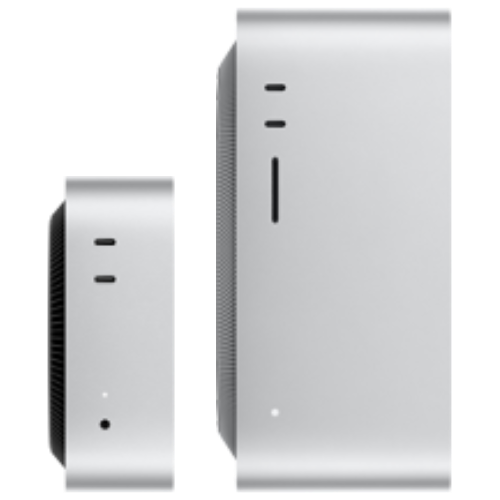
SteamOS HD Gaming
- 6C/12T AMD Ryzen 5 9600X processor
- AMD Radeon 7650 RDNA3 32CU
- 16GB DDR5 + 8GB GDDR6 VRAM
- 500GB NVMe SSD storage
- Wi-Fi 6E, Bluetooth 5.3, 2.5G Ethernet
- Suited to SteamOS 1080p gaming and AI agents
- In stock

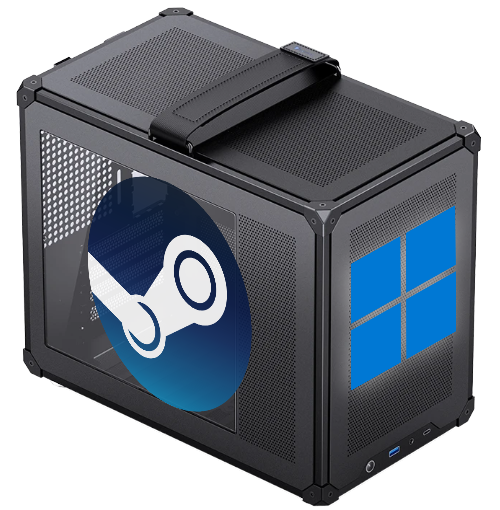
MAQ's SteamOS-compatible PC has hardware built for SteamOS. At boot, choose whether to go into Windows or SteamOS on the same machine — use SteamOS for Steam games, or to run AI agents and local LLMs, and switch to Windows for Windows-exclusive games or software. One machine, two uses, no need to buy a second. In stock now, backed by a local Taiwan warranty and repair support. If any system issue comes up, our expert team provides remote assistance to resolve it quickly.
Configure a SteamOS + Windows Multi-Boot PC Configure a SteamOS + Windows PC
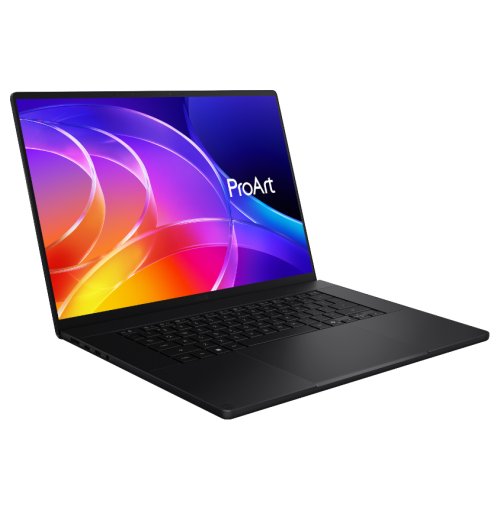
Build your own AI workstation with ease. On the MAQ website, configure top-tier hardware yourself, with fully transparent pricing. From the processor and memory to the latest NVIDIA / AMD AI GPUs, everything is customized to your needs. Even better, machines come with ComfyUI, Stable Diffusion, and various large language model (LLM) AI Python development environments preinstalled — plug in your new computer and start creating or researching right away.
Configure Your Workstation Configure a PC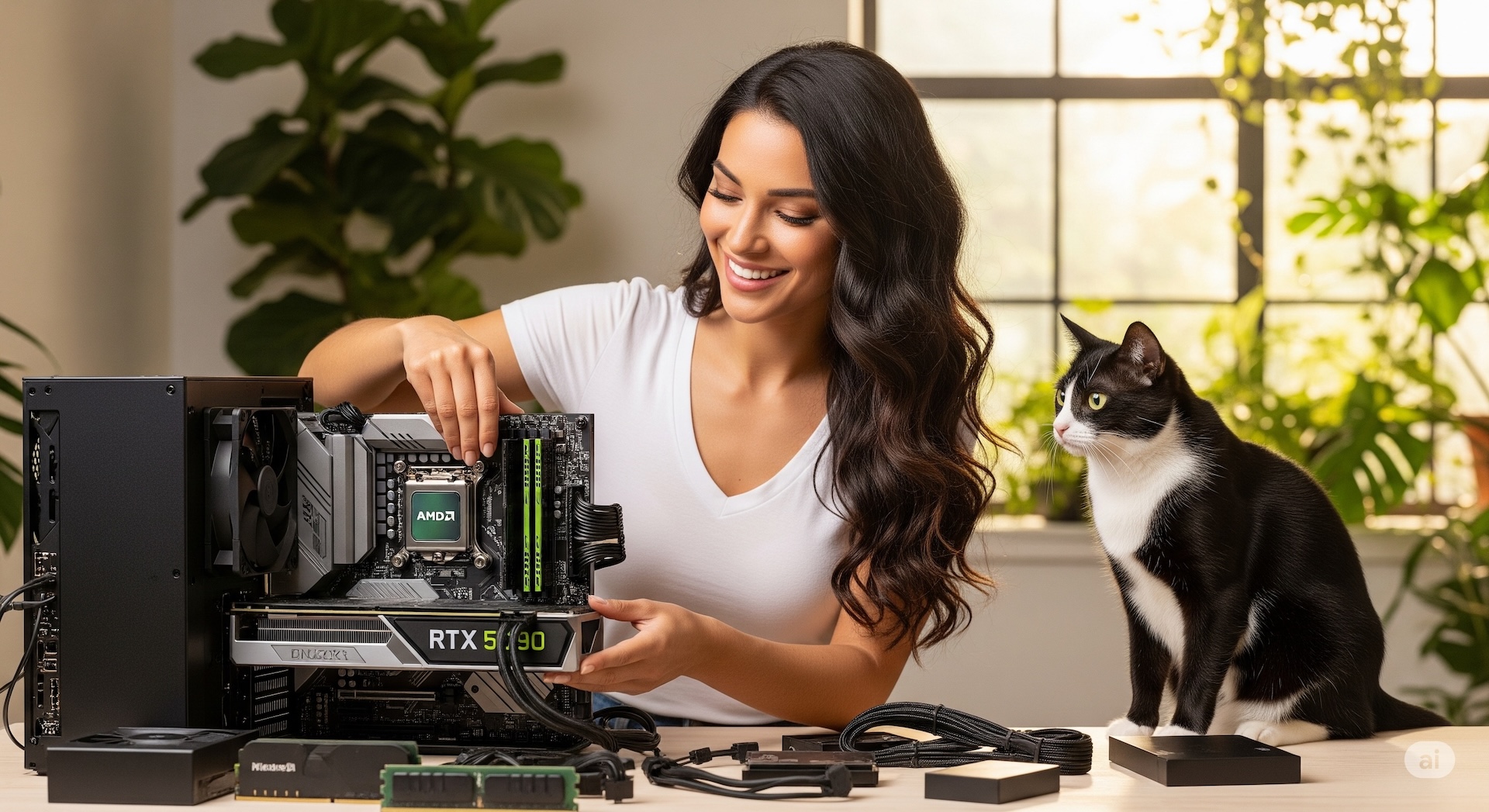
After-sales support means one less thing to worry about. If any system issue comes up, our expert team provides remote assistance to resolve it quickly. If your computer needs repair or an upgrade, we can also provide a loaner unit so your work continues without interruption (available to contracted customers). From pre-sale configuration advice to after-sales use and support, we're with you every step of the way, so you can focus on what matters most without worrying about the technical details.
Configure Your Workstation Configure a PC
MAQ's SteamOS + Windows multi-boot graphical boot device: at startup you get a clear graphical menu, letting you easily choose Windows or SteamOS — go into SteamOS to game from the couch, or run a local LLM or AI agent. Reboot into Windows for Windows-exclusive games, office work, or creative software. One machine, many uses — that's MAQ.
Before it ships, MAQ installs and tests both operating systems and the boot menu, so it's ready to use the moment you plug it in; both the system and hardware are covered by local Taiwan warranty and remote support. Want the living-room experience of a Valve Steam Machine, but with the freedom to choose your own spec and a local warranty? MAQ's SteamOS-compatible PC was built for exactly that.
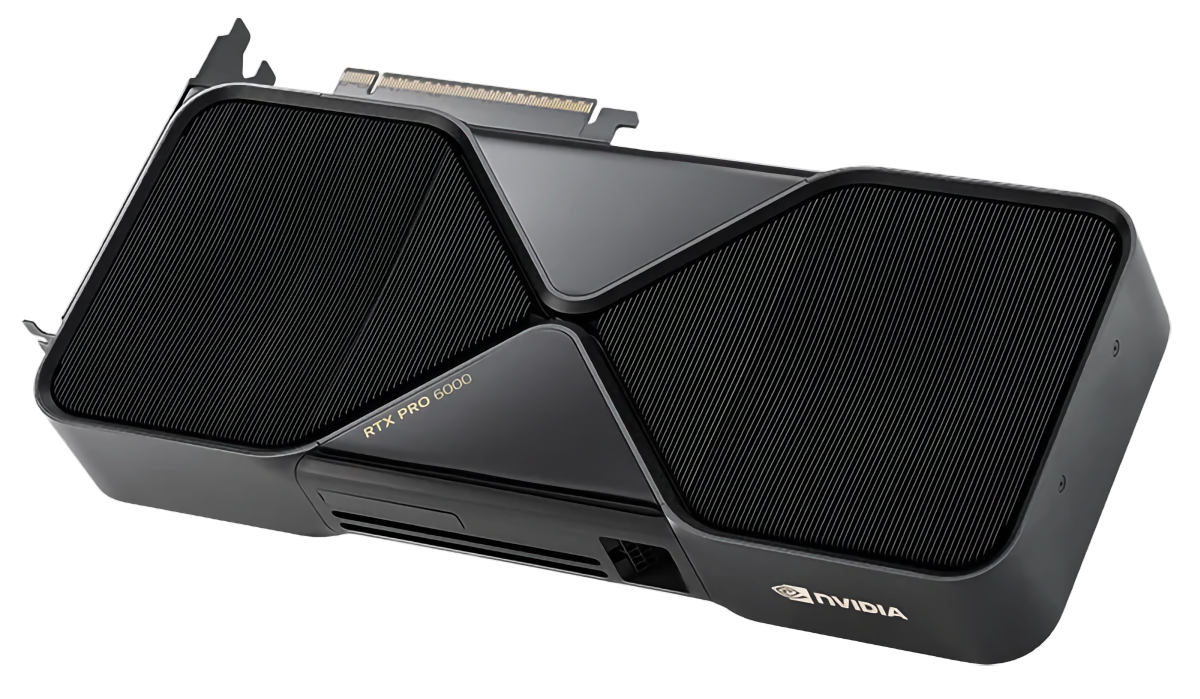
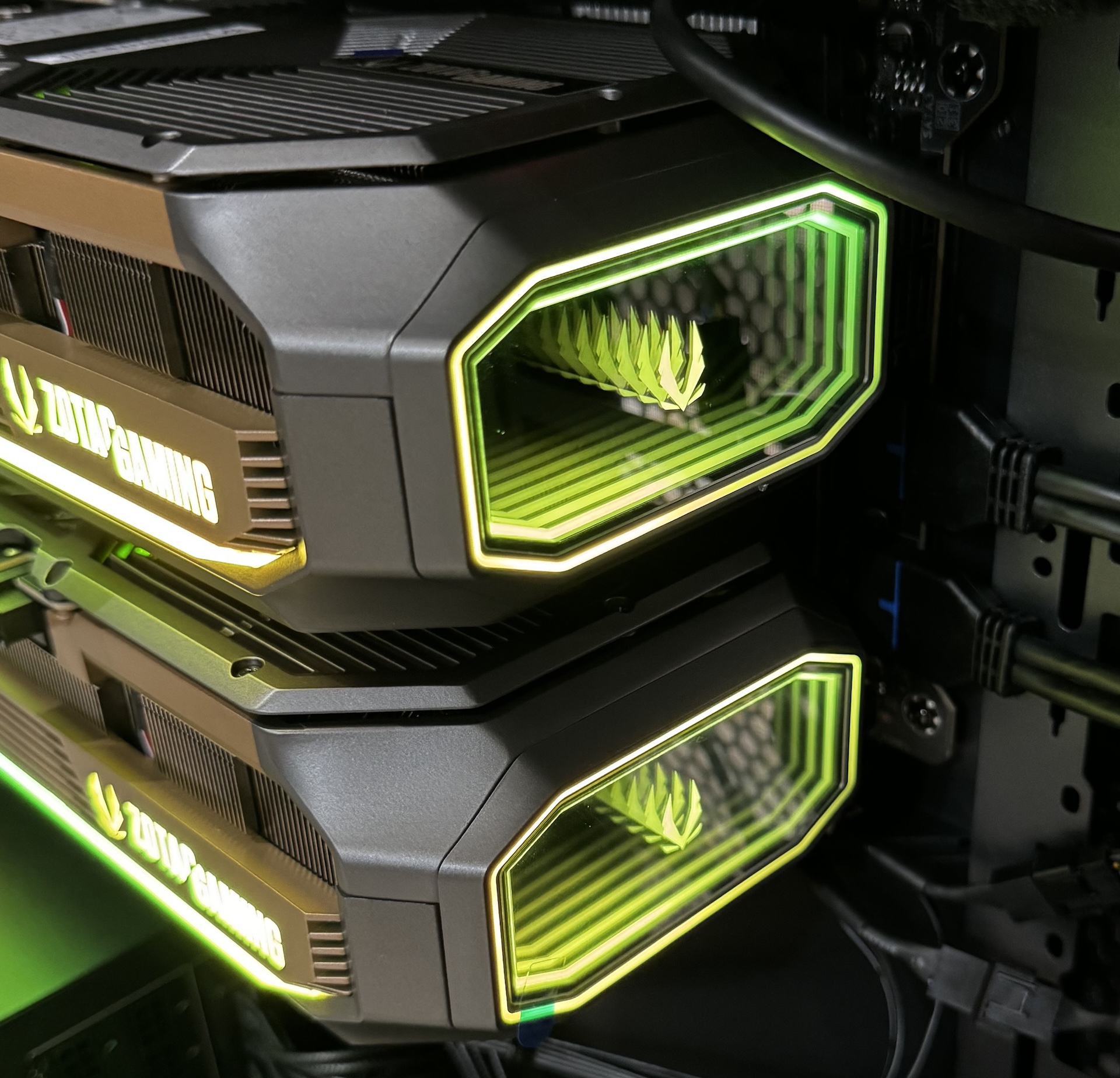
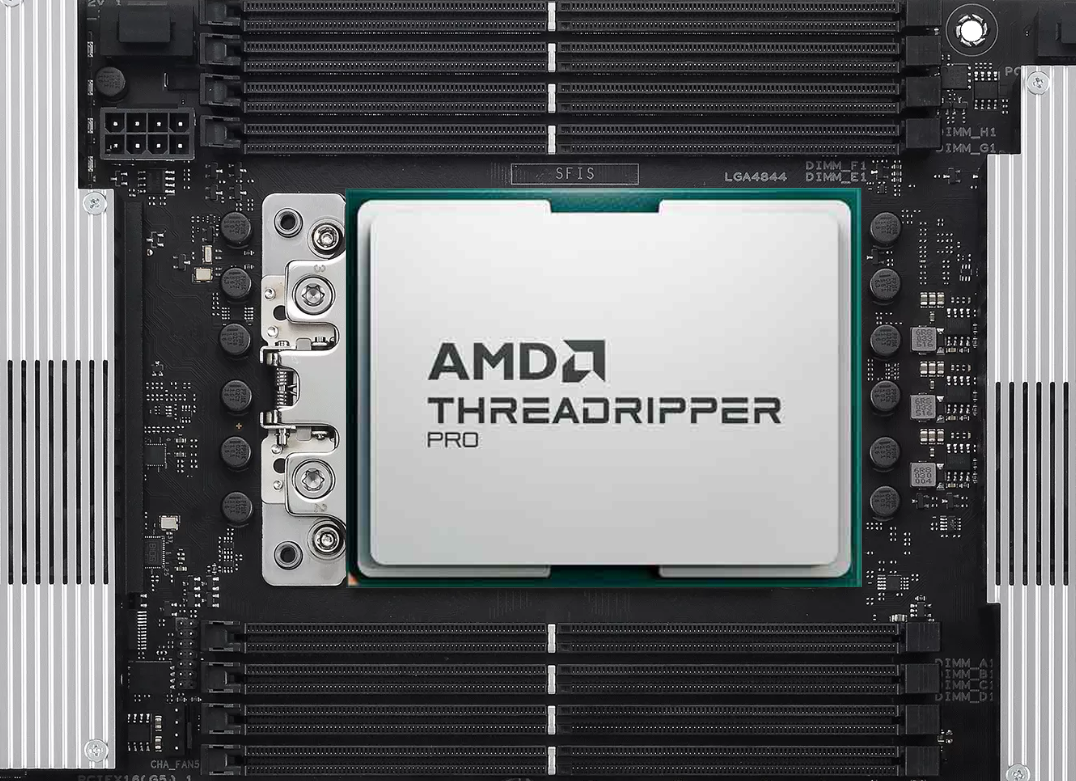
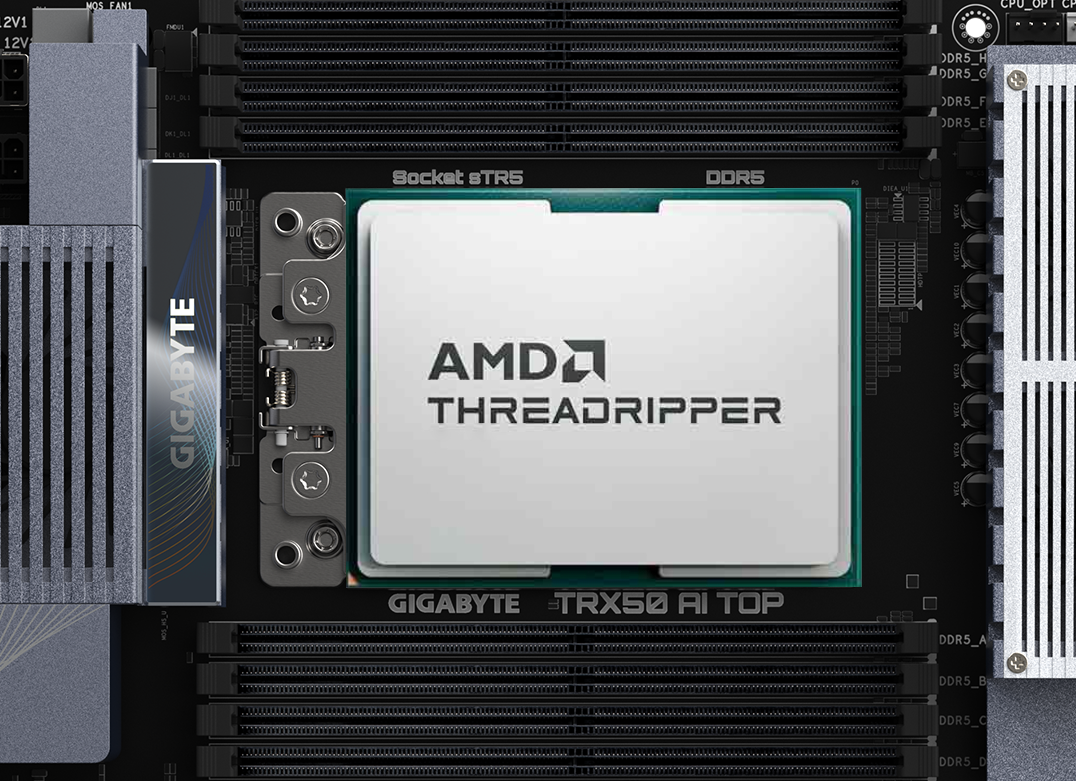
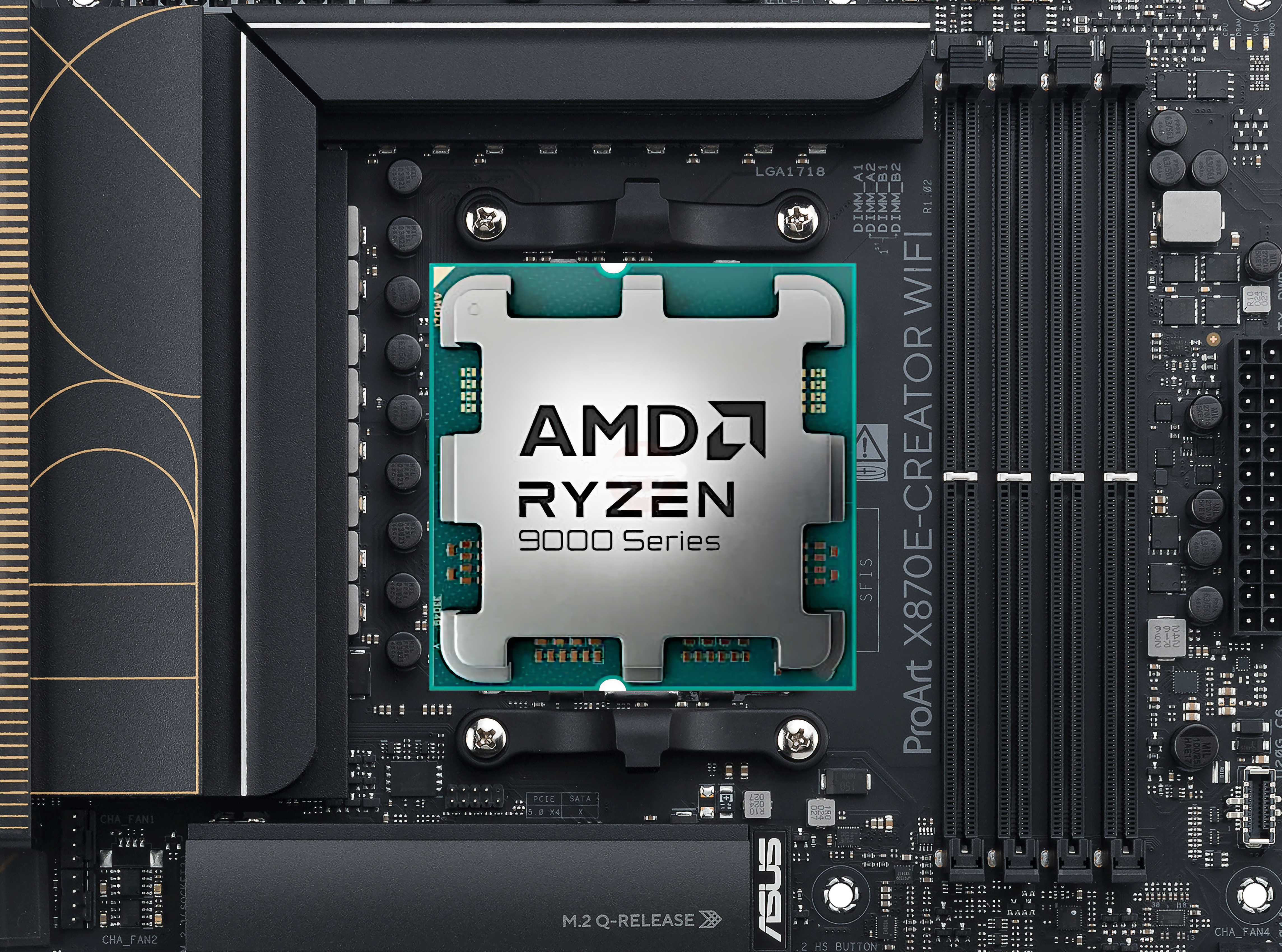
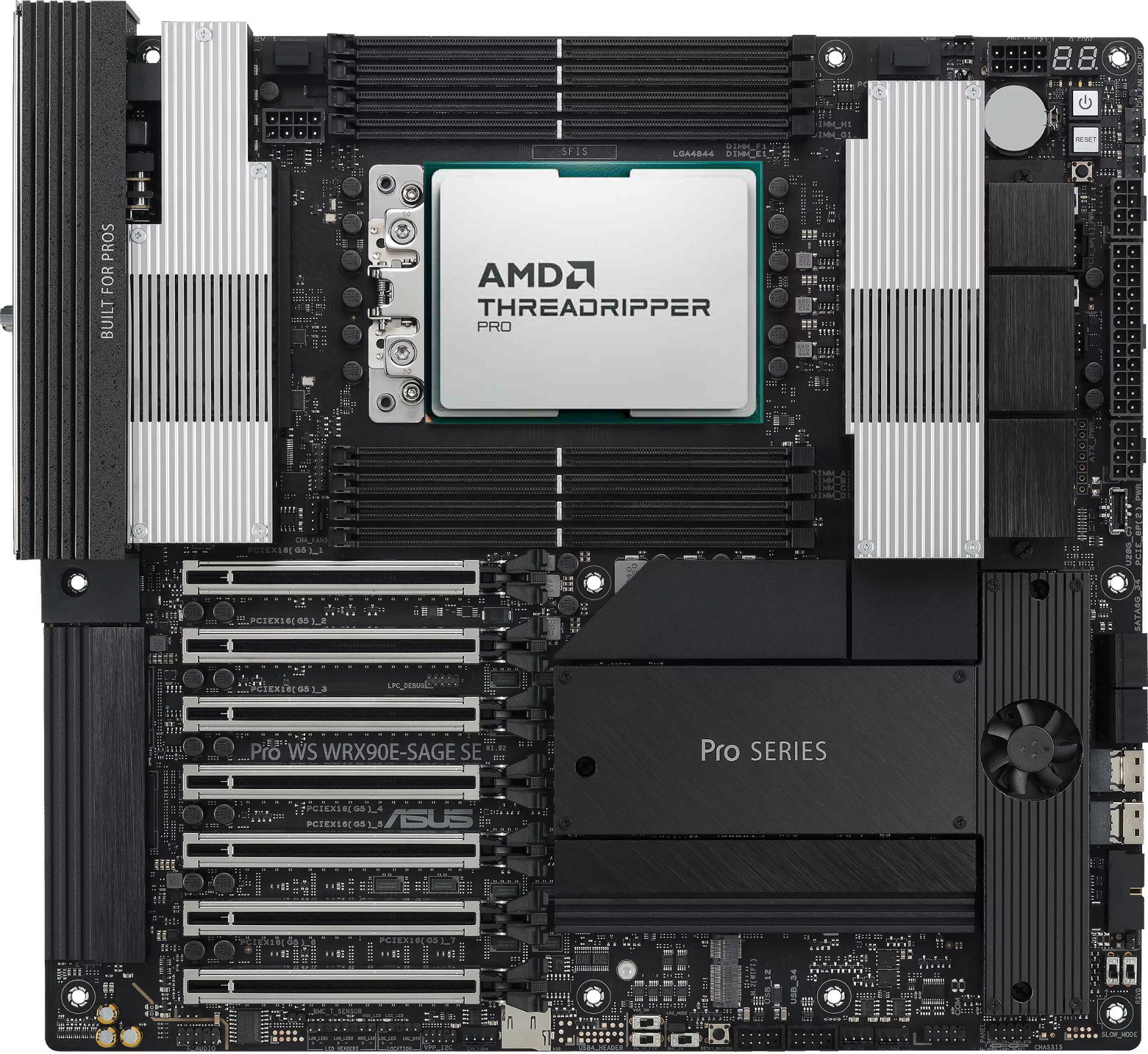
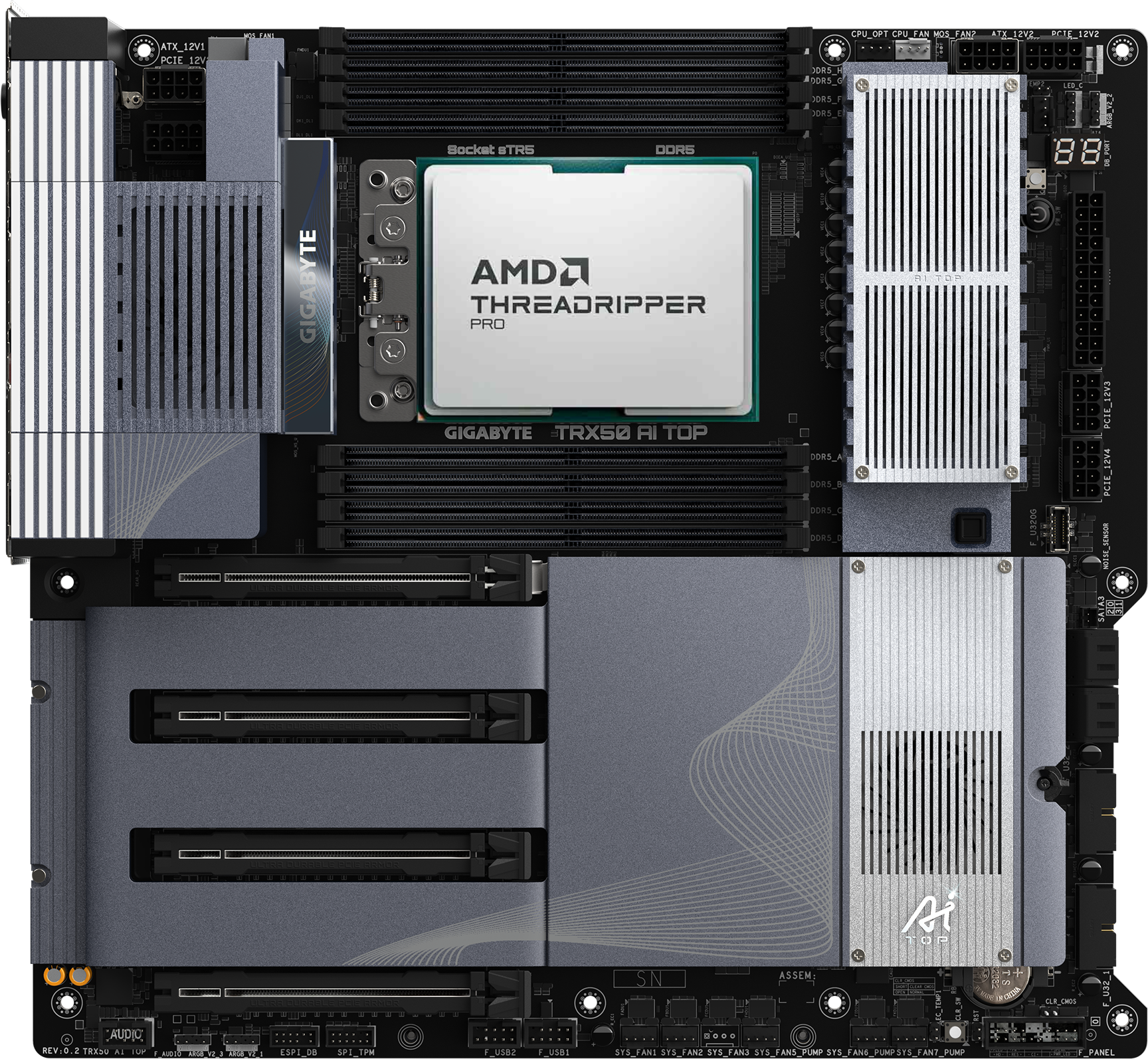

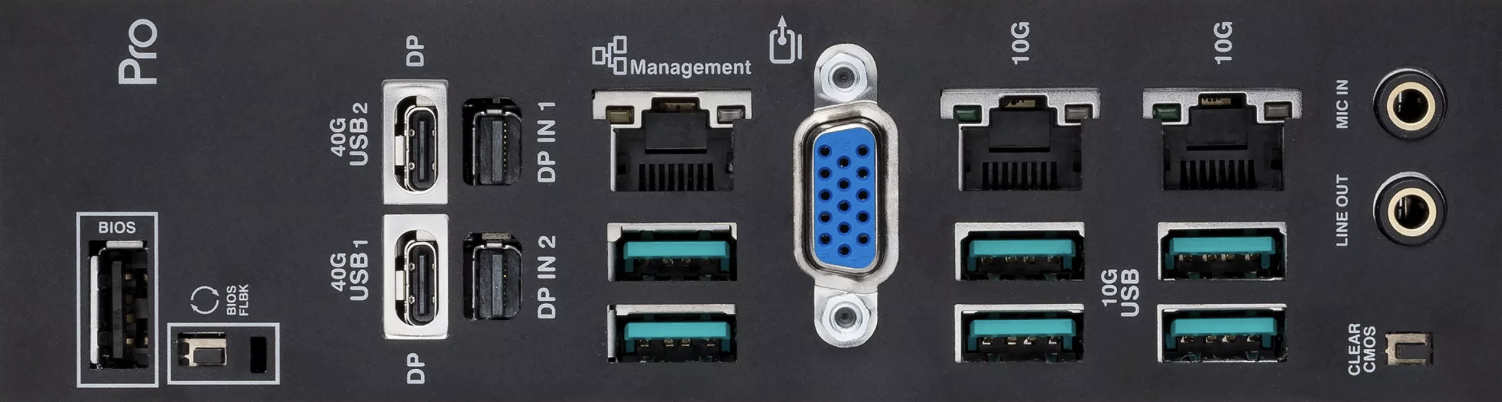
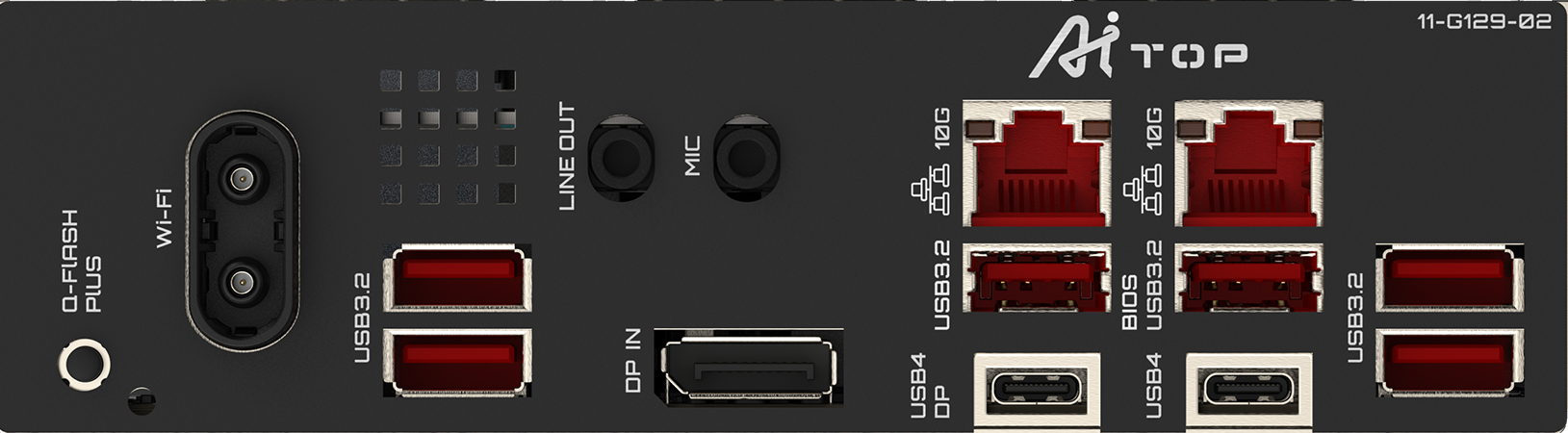
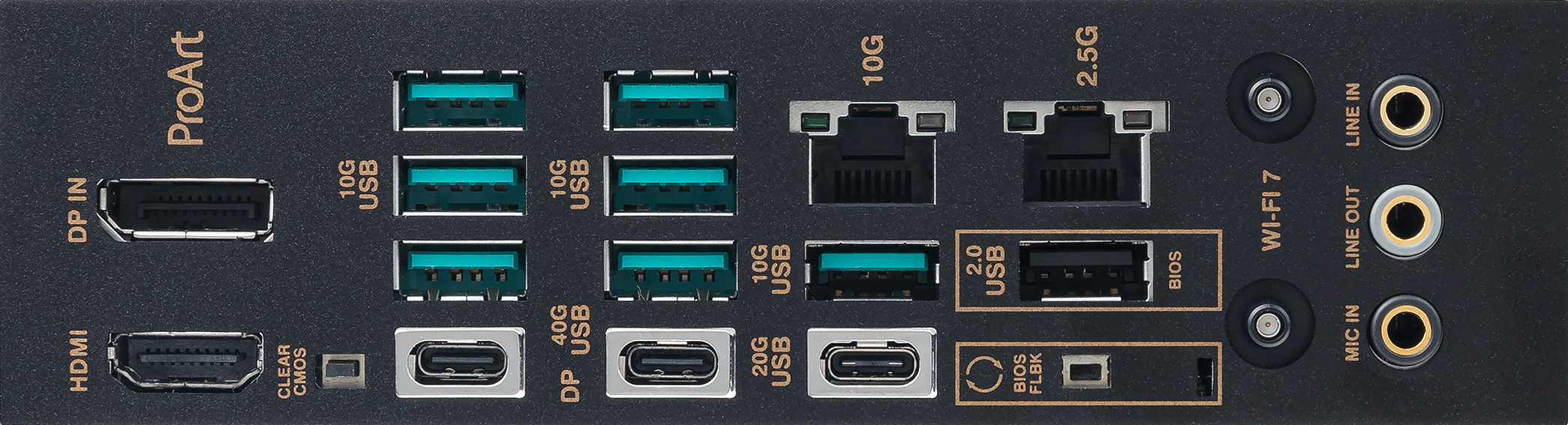
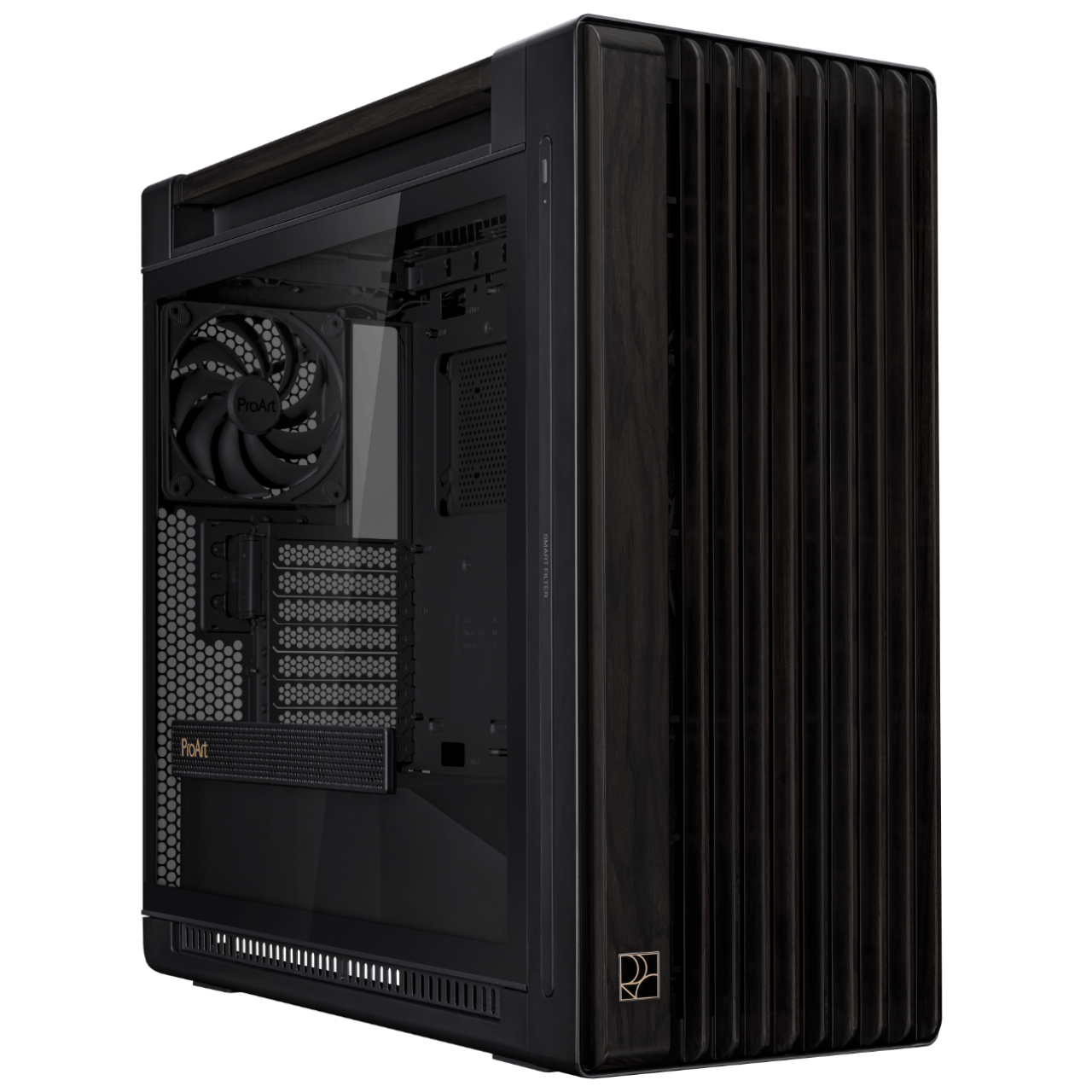
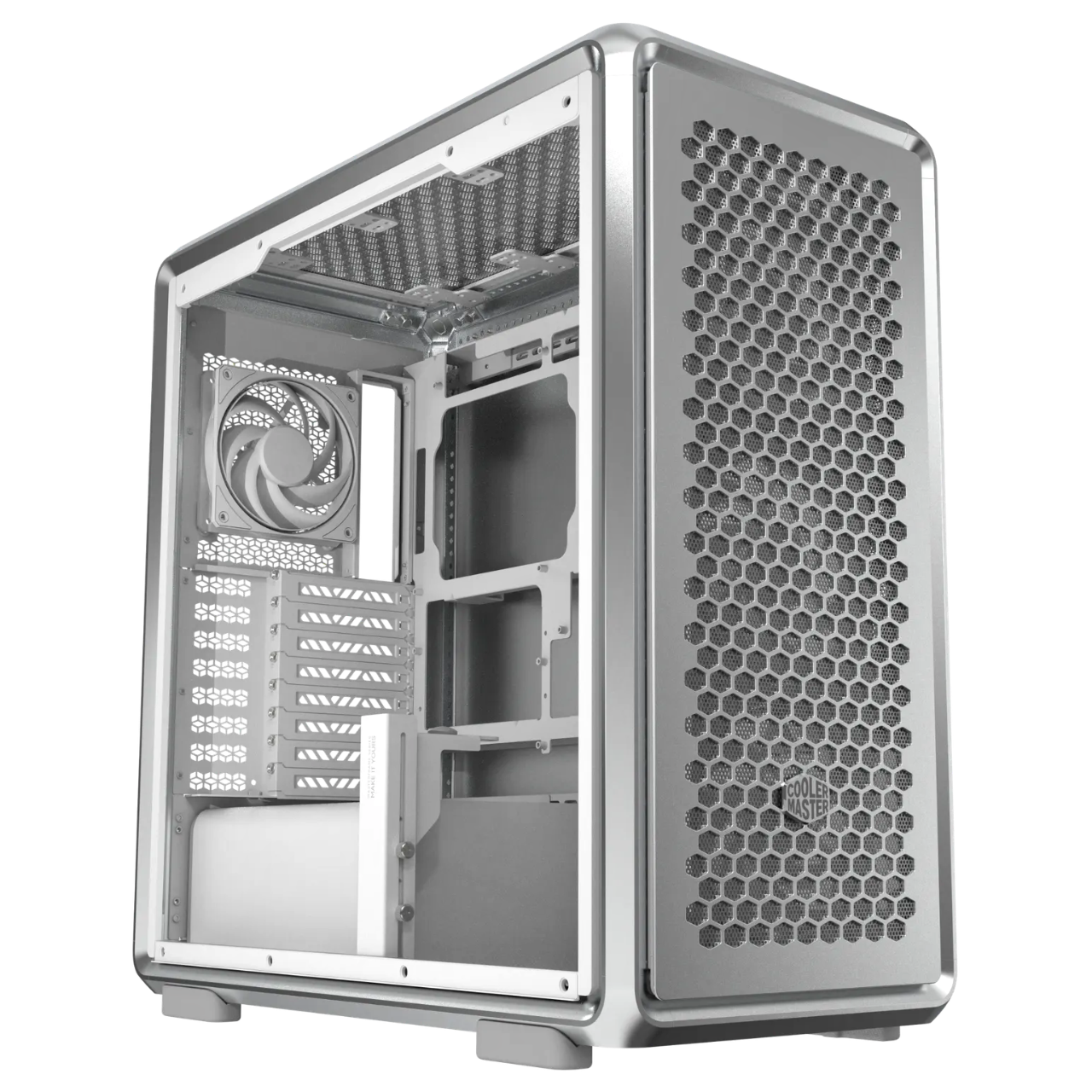
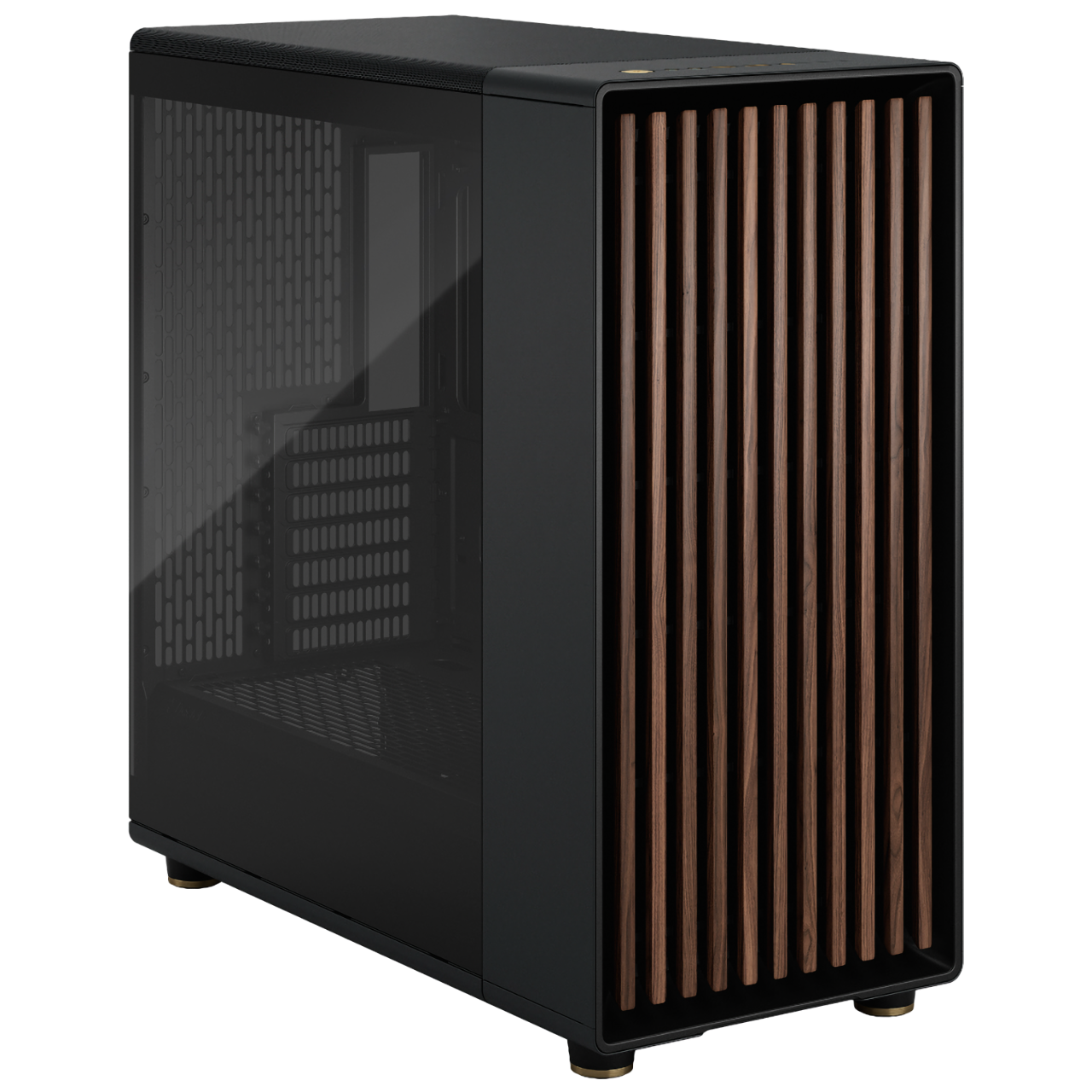
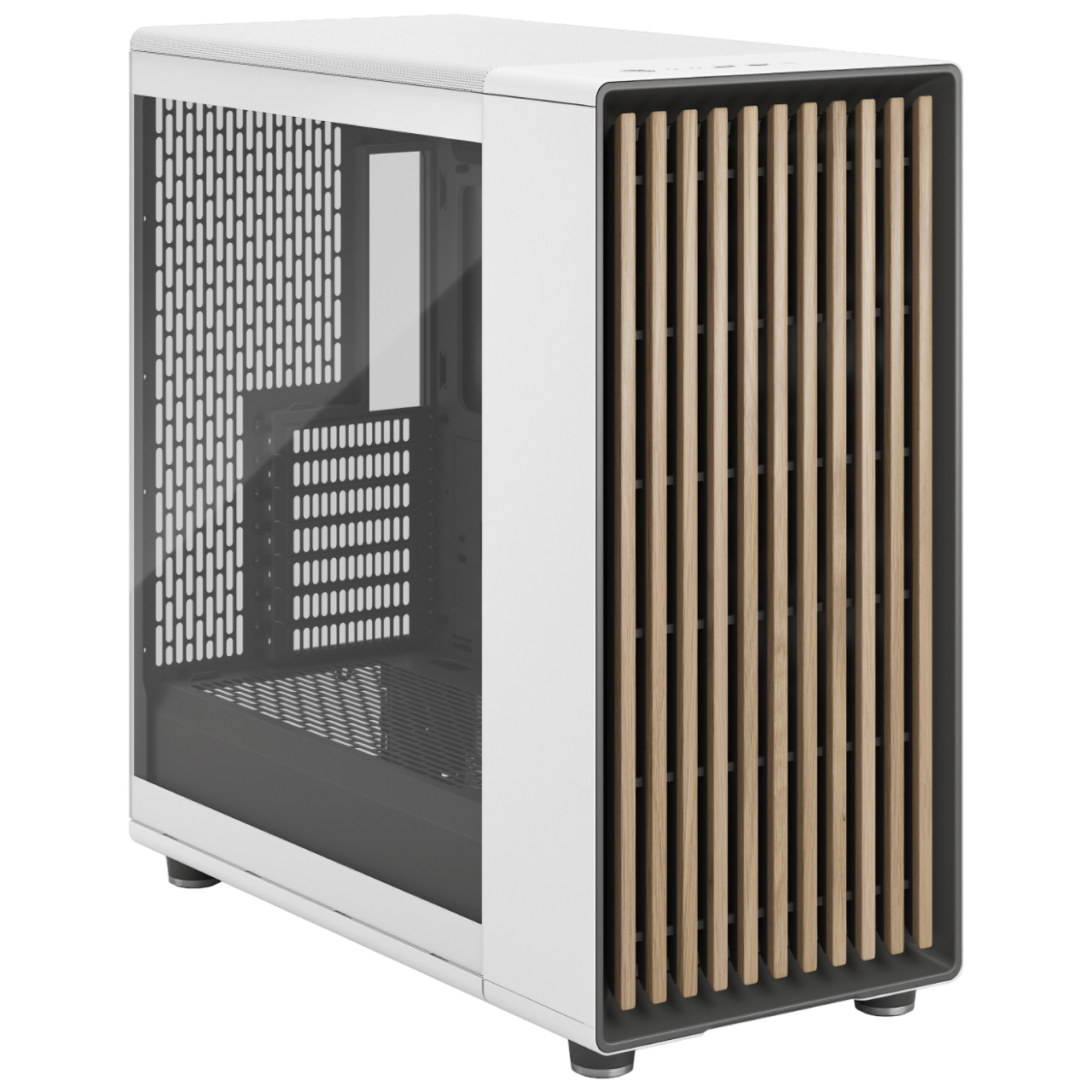
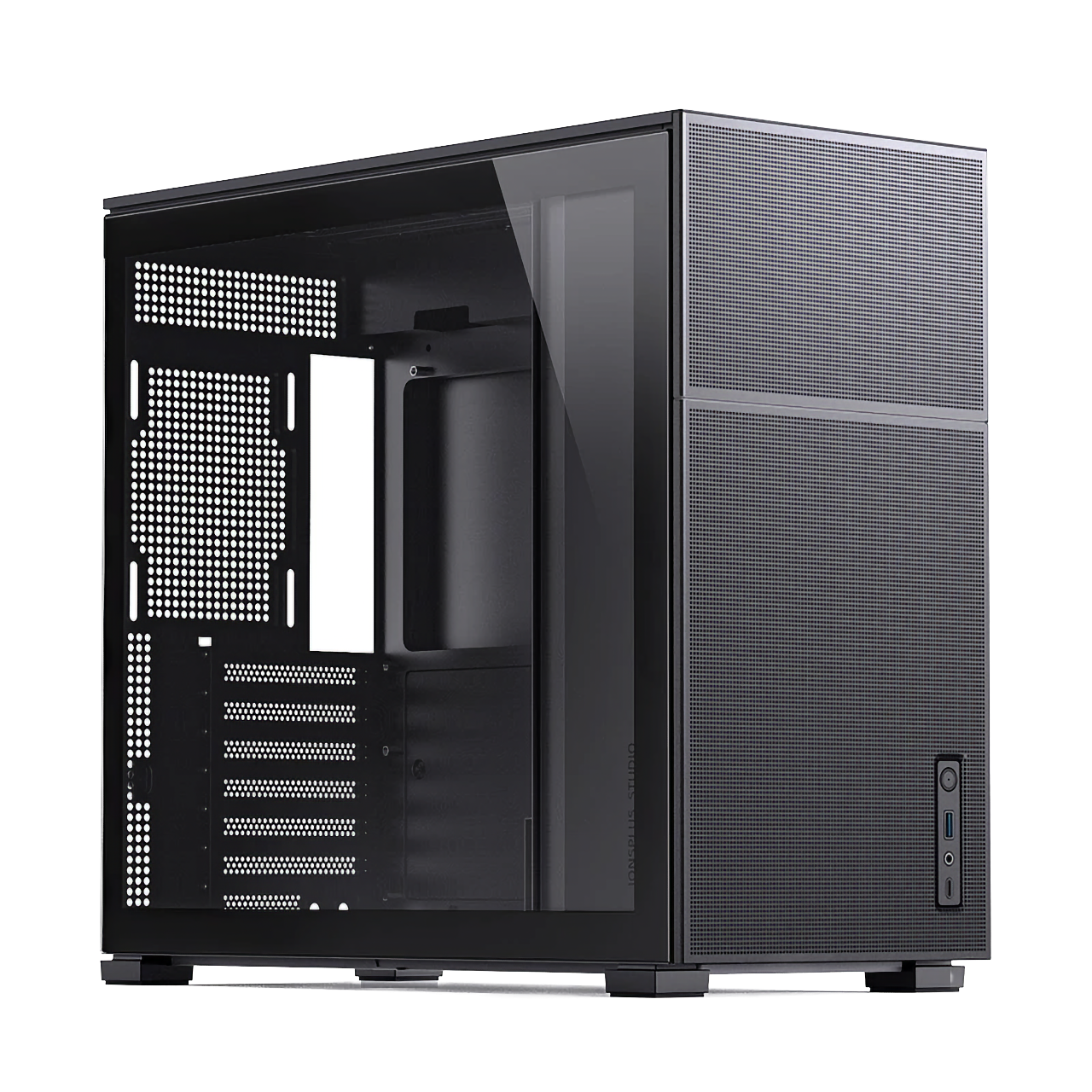
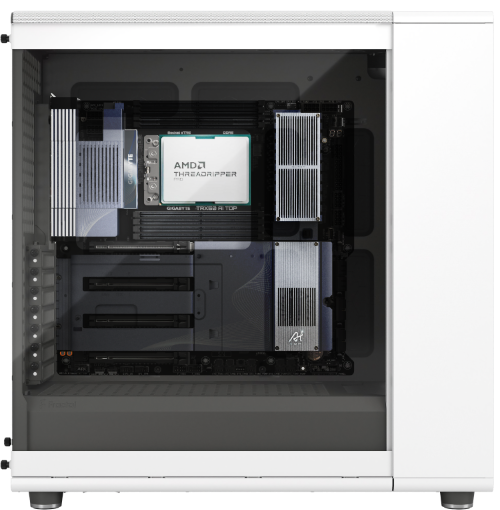
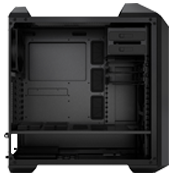
MAQ offers a range of carefully selected PC cases across different price points and sizes to fit your needs — the only difference is that we treat every build with the same care as a handmade car.
Configure Your Own WorkstationSteamOS is Valve's own Linux-based gaming operating system (the same one used on the Steam Deck). Through its Proton compatibility layer, it can run a large library of Steam games that were originally Windows-only. The interface is a console-style, big-screen design that can be fully operated with a controller, making it well suited to living-room setups.
Valve's Steam Machine ships with fixed specs; MAQ's SteamOS-compatible machines can be custom-configured with a choice of CPU, GPU, memory, and storage to fit your budget, starting at NT$40,000 and in stock. They support dual-boot (Windows + SteamOS) and come with local Taiwan warranty and repair — no need to ship anything overseas.
Yes. A graphical boot menu lets you choose Windows or SteamOS at startup — use SteamOS for Steam games, and switch back to Windows for Windows-exclusive titles or office software. The SteamOS-High model ships with both systems preinstalled.
Most Steam games run directly through Proton, and you can check a given game's compatibility rating on ProtonDB. A small number of online games using kernel-level anti-cheat currently don't support Linux — for those, you can switch back to Windows, which is exactly why MAQ builds dual-boot as standard.
SteamOS currently officially supports AMD Radeon graphics (discrete or integrated), while the CPU can be Intel or AMD. Valve's driver collaboration with NVIDIA is still in development. Every MAQ model currently for sale falls within Valve's officially supported range, so it installs cleanly and runs smoothly.
MAQ provides a 3-year hardware warranty in Taiwan at no extra charge, with repairs handled locally from end to end for fast, reliable turnaround; system issues can also be resolved remotely. Shipping is via careful courier delivery, arriving the next business day.
MAQ accepts cash, bank transfer, one-time online credit card payment, Apple Pay, online Cathay United Bank credit card installments (3, 6 or 12 months, with an additional installment fee), and Chailease Silver Horn (銀角零卡) card-free installment shopping. Please contact us for details.