
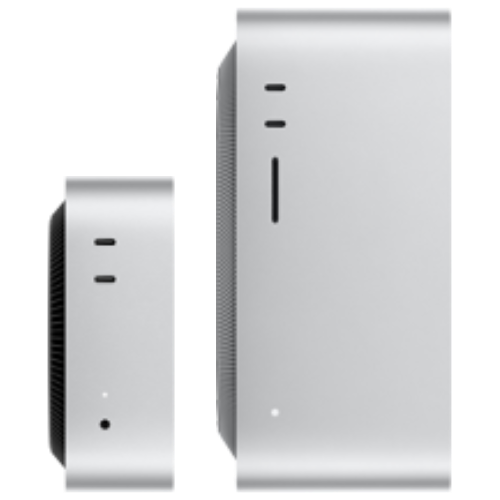
M6 Mac mini Best Value
- Apple Silicon M6 chip
- 12-core CPU, 12-core GPU
- 16GB unified memory
- 256GB SSD storage
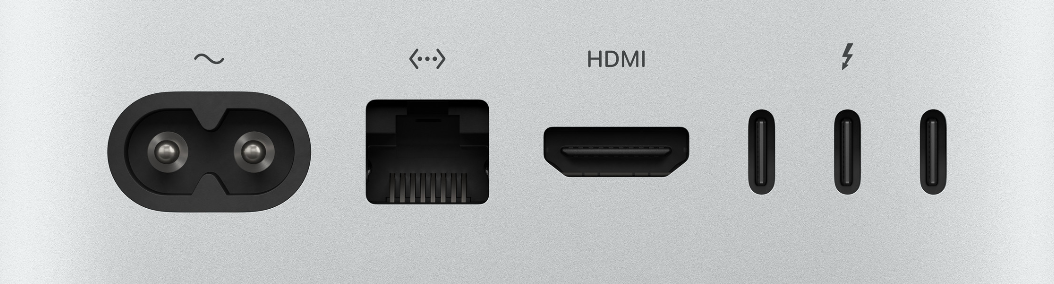
- 3x Thunderbolt 4 ports, Wi-Fi 7, Bluetooth 6, 2.5G Ethernet
- MAQ remote support service
- Pre-order, 2 weeks
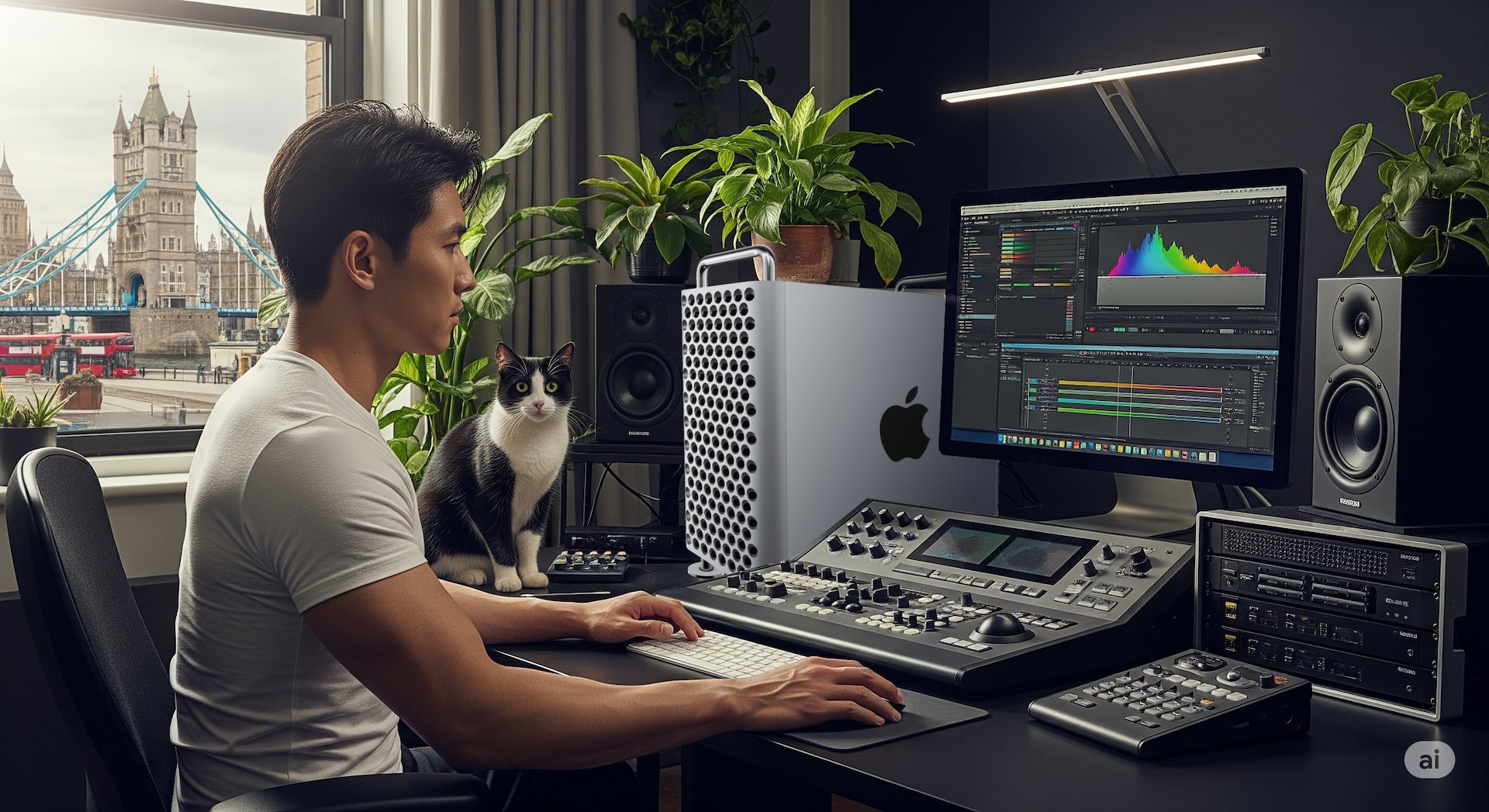
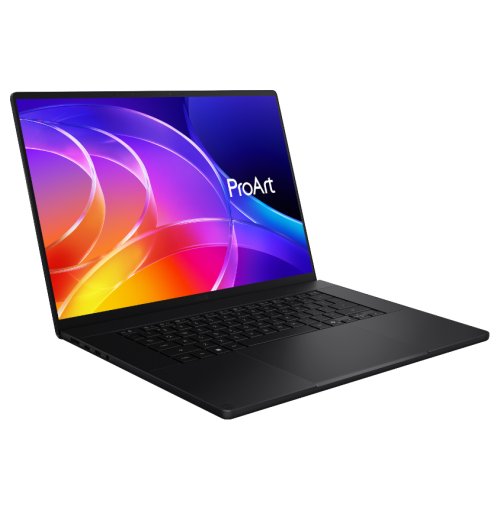
MAQ builds the ultimate workstation for film and video professionals — from the hardware itself to high-speed storage, fully covering editing, color grading, and visual effects. Whether working with 4K or 8K footage, everything runs smoothly with zero lag or stutter. Precise color, striking effects, perfectly synced audio, and fast, stable, large-capacity storage let you stay focused on the creative work. Choose MAQ to unleash your inspiration and creativity, with limitless possibilities.
Configure an Editing & VFX Workstation Configure a Workstation
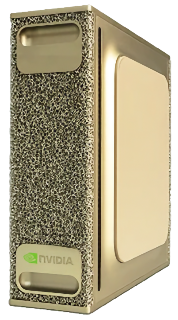
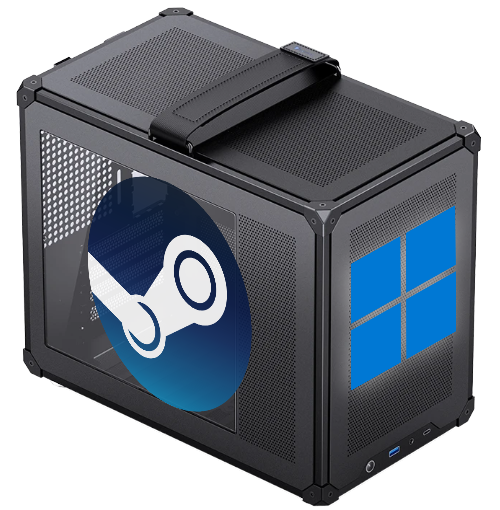
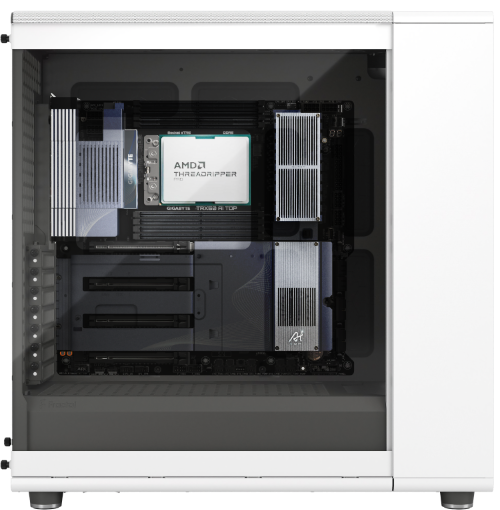
Build your own AI workstation with ease. On the MAQ website, configure top-tier hardware yourself, with fully transparent pricing. From the processor and memory to the latest NVIDIA / AMD AI GPUs, everything is customized to your needs. Even better, machines come with ComfyUI, Stable Diffusion, and various large language model (LLM) AI Python development environments preinstalled — plug in your new computer and start creating or researching right away.
Configure Your Workstation Configure a PC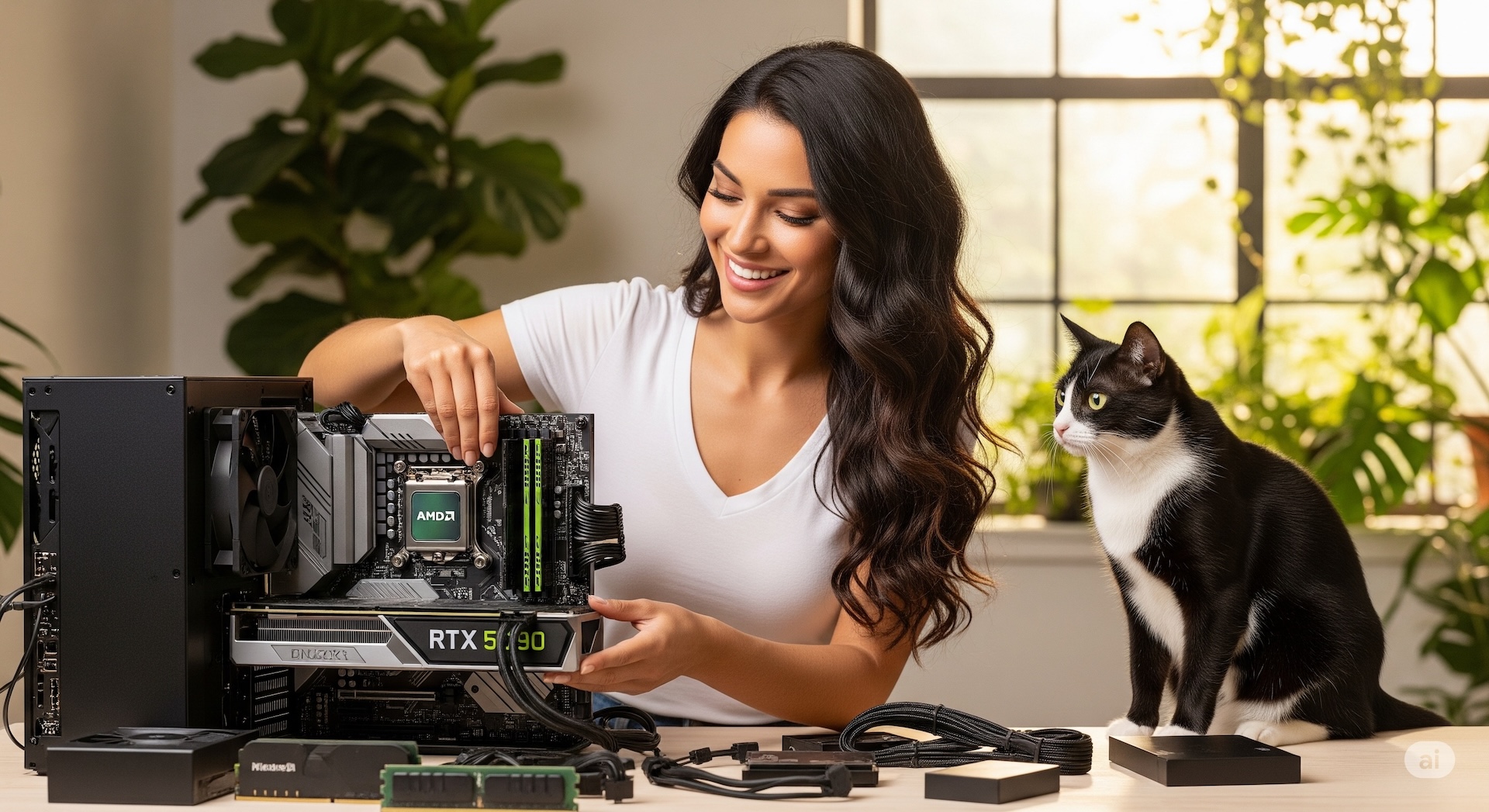
After-sales support means one less thing to worry about. If any system issue comes up, our expert team provides remote assistance to resolve it quickly. If your computer needs repair or an upgrade, we can also provide a loaner unit so your work continues without interruption (available to contracted customers). From pre-sale configuration advice to after-sales use and support, we're with you every step of the way, so you can focus on what matters most without worrying about the technical details.
Configure Your Workstation Configure a PC

Apple Silicon's CPU and GPU share one pool of unified memory. Models never need to move between devices, and the entire pool is available for inference. This is why a Mac can load large models on a single machine, and it's the most fundamental difference from the discrete-GPU path.
MLX is Apple's machine learning framework, purpose-built for its own chips. Paired with MLX-LM, a local model can expose an OpenAI-compatible endpoint, so a tool that used to call a cloud API can keep working just by pointing its URL at the local machine instead.
MAQ's AI-oriented Mac models ship with MLX, Ollama, and llama.cpp preinstalled — power it on and load a model right away.
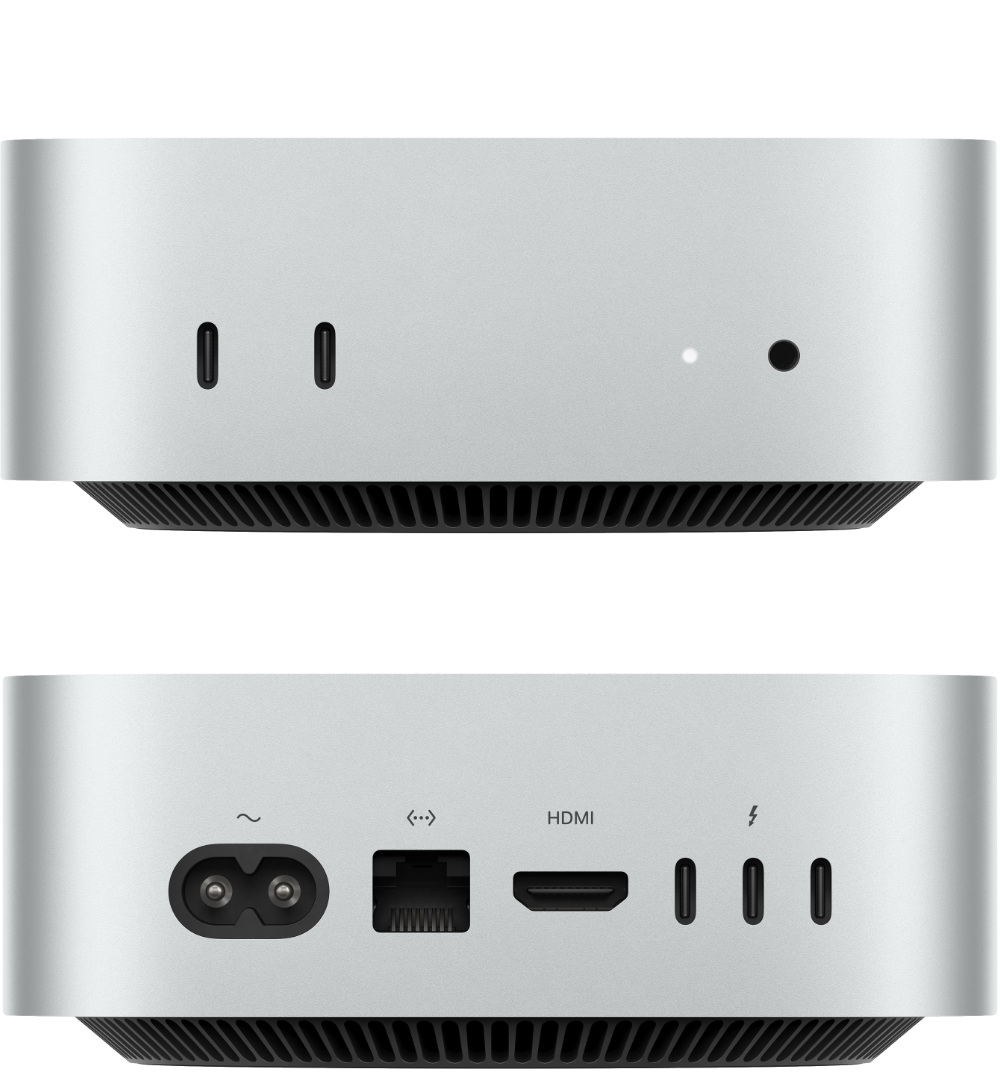
16GB – 24GB Mac mini M6 |
8B-parameter class at 4-bit quantization, about 5–6GB 14B-parameter class, about 10–12GB |
Everyday Q&A, summarization, always-on agents |
24GB – 64GB Mac mini M5 Pro |
32B-parameter class at 4-bit, about 18–24GB Room for embedding and speech models to run alongside it |
Private retrieval, coding assistance |
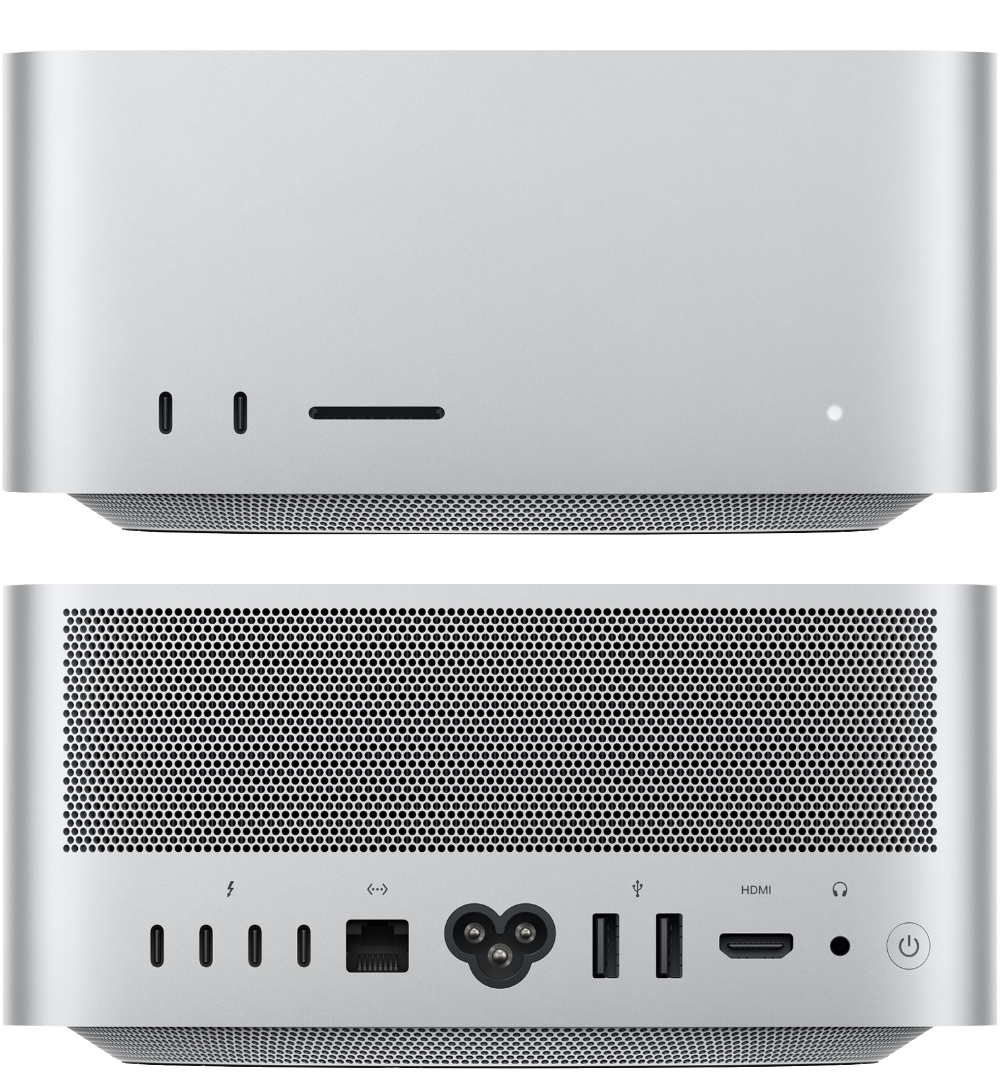
48GB – 128GB Mac Studio M5 Max |
70B-parameter class at 4-bit, about 43GB 128GB leaves room for long-context KV cache |
Shared inference server for a team |
96GB – 512GB Mac Studio M5 Ultra |
120B-parameter class MXFP4, about 60GB The 512GB configuration can load even larger open-weight models |
Run flagship-class models on a single machine |
Memory figures are rough estimates for quantized weights; actual usage also depends on context length and KV cache. Unified memory is shared with the system and other apps, so it's best to leave headroom rather than configure right at the limit.
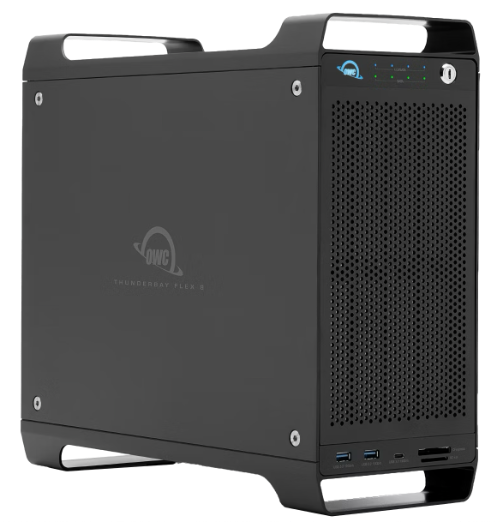
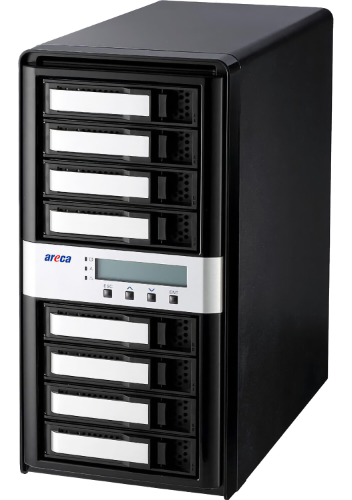
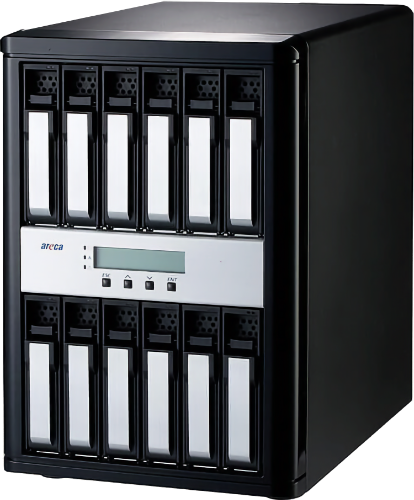
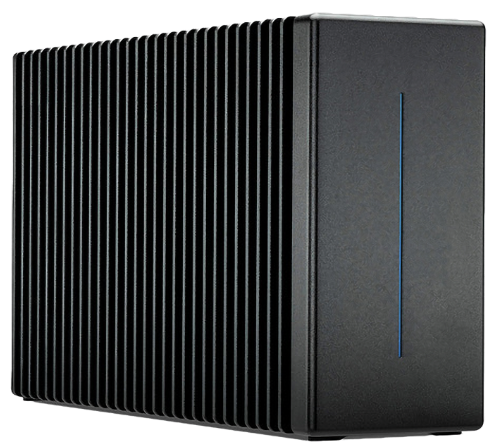
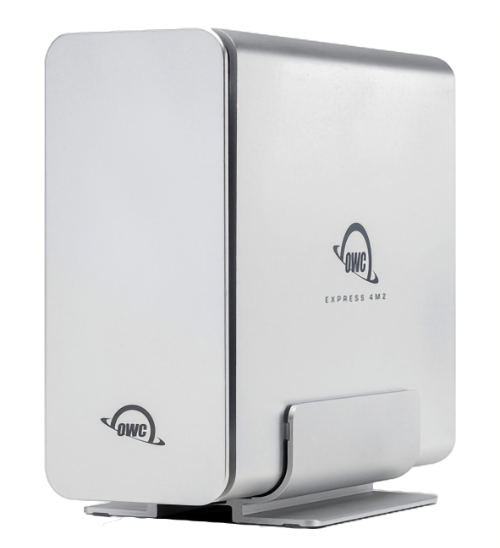
MAQ offers a range of carefully selected peripherals and storage arrays across different price points and sizes to fit your needs.
Configure Your Own WorkstationMAQ provides configuration consulting, preloaded software environments (MLX, Logic Pro, Final Cut Pro, DaVinci Resolve, Homebrew, Xcode, and more), invoicing and warranty integration, and can bundle a one-stop purchase with peripherals such as NAS, Pro Display, and UPS.
Yes. The M5 Ultra/M5 Max can reach up to 512GB of unified memory, letting you run several models concurrently with MLX or Ollama and run 4-bit quantized inference on a 120B model smoothly — though for pure GPU training, an NVIDIA CUDA platform is still the better choice.
A rough estimate based on 4-bit quantized weights: about 5–6GB for an 8B-class model, about 10–12GB for 14B, about 18–24GB for 32B, about 43GB for 70B, and about 60GB for a 120B-class MXFP4 model. The matching models are the Mac mini M6 (16–24GB), Mac mini M5 Pro (up to 64GB), Mac Studio M5 Max (up to 128GB), and Mac Studio M5 Ultra (up to 512GB). Actual usage also depends on context length and KV cache, and unified memory is shared with the system and other apps, so leave some headroom when choosing.
MLX is Apple's machine learning framework built specifically for its own chips, taking a native-acceleration path; paired with MLX-LM, a local model can be wrapped as an OpenAI-compatible endpoint, so tools originally pointed at a cloud API can just point at your machine instead. Ollama is a cross-platform runtime offering a CLI, local server, and model management, and is quicker to get started with. The two can coexist: use Ollama day-to-day, and switch to MLX when you want maximum efficiency on Apple Silicon. MAQ's AI-oriented Mac models ship with MLX, Ollama, and llama.cpp all preloaded.
Yes. Agentic workflows are usually bottlenecked by orchestration and tool calls, not a high-end GPU; the models used by always-on agents mostly fall in the 8B–32B range, and the Mac mini's unified memory and low power draw suit long-running, always-on use. If an agent needs to run a 70B-class reasoning chain locally, we'd recommend stepping up to a Mac Studio M5 Max or M5 Ultra configuration.
MAQ can help set up an editing environment and preload software such as Final Cut Pro, DaVinci Resolve, Logic Pro, and CapCut (a valid license must be provided).
The Mac itself carries Apple's standard one-year warranty (AppleCare+ can be added), and MAQ additionally provides consulting, environment setup, and remote support.
MAQ accepts cash, bank transfer, one-time online credit card payment, Apple Pay, online Cathay United Bank credit card installments (3, 6 or 12 months, with an additional installment fee), and Chailease Silver Horn (銀角零卡) card-free installment shopping. Please contact us for details.